

Introducing iConNext – Free Icons Pack for Android. I’ve made this Icons pack for my own use but thought of sharing it with others. When I bought my Sony Xperia Z3 Dual phone back in 2014, thought of changing the icons to suit my taste. There are plenty of free and paid icons pack available for Android. The problem with those icons pack is the missing icons for the apps that I use mostly. So I decided to make my own icons pack and update it as I explore more apps. Since I use majorly Electronics and Technology related apps, the available icon packs lack the collection of icons here and there.
First Release
The very first release was only targeted at Sony Xperia Home Launcher. The app home page was left blank to keep-out the unnecessary things from the pack. But, few users felt bad as they had no idea what to do with an Icons pack. Some of them went giving negative reviews and ratings because it was not working with other launchers; they didn’t bother reading the description.
Support For More Launchers
I bought the Lenovo P2 in 2017 when my Xperia Z3 display got broken. It became a necessity to add support to other launchers as I cannot use Xperia Home Launcher in my new phone. The iConNext Icons pack now supports more launchers including Nova Launcher, ADW etc.
Applying In Other Launchers
- Nova Launcher – Nova Settings -> Look & feel -> Icon theme
- N Launcher – Launcher Setting -> Look & Feel -> Icon pack -> Local
- M Launcher – Launcher Setting -> Look & Feel -> Icon pack -> Local
- Action Launcher – Settings -> Icon pack
- Evie Launcher – Settings -> Icon pack
- Lucid Launcher – Launcher Settings -> Icon theme
- ADW Launcher – ADW Settings -> Icon appearance -> Icon -> Icon set
- Holo Launcher – Launcher Settings -> Appearance Settings -> Icon pack
- ABC Launcher – Theme -> Local -> Icon Pack
- Smart Launcher – Themes -> Installed themes -> Icon Pack
I hope you’ll find this Icons Pack useful.
Click below button to install iConNext App from Google Play Store.
Screenshots


App Details
Please note that a supported launcher is required to apply these Icons. Xperia Home Version 10 or later is required.
The home page of this app left blank intentionally to keep this simple and tidy. After installation, apply theme icons through Xperia Home Launcher settings.
App Download
Click below button to install iConNext App from Google Play Store.
Recent Articles
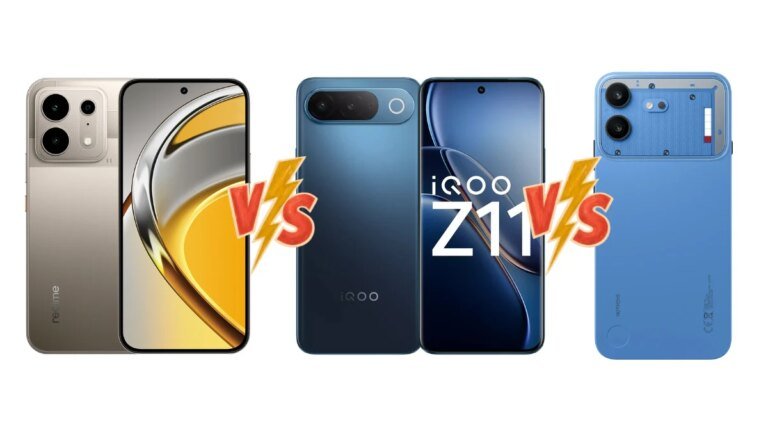
Realme P4s vs iQOO Z11 vs Nothing Phone 4b: Price in India, Specifications and Features Compared
The mid-range smartphone section in India is turning into increasingly more aggressive. There are a…

Raksha Bandhan 2026: Best Smartphones, Smartwatches and Gadgets to Gift Your Sibling
Raksha Bandhan is a party of the bond between siblings, however discovering a present that…
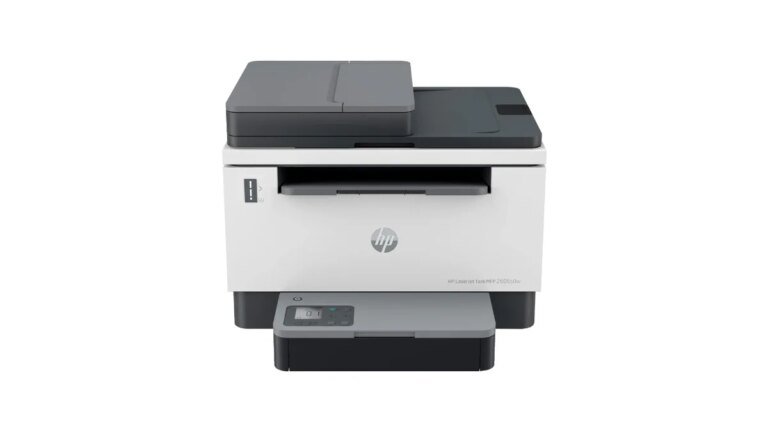
Best Laser Printers in India Check Top Options from HP, Brother and Canon
For those that print steadily at house, in small companies, or busy places of work,…
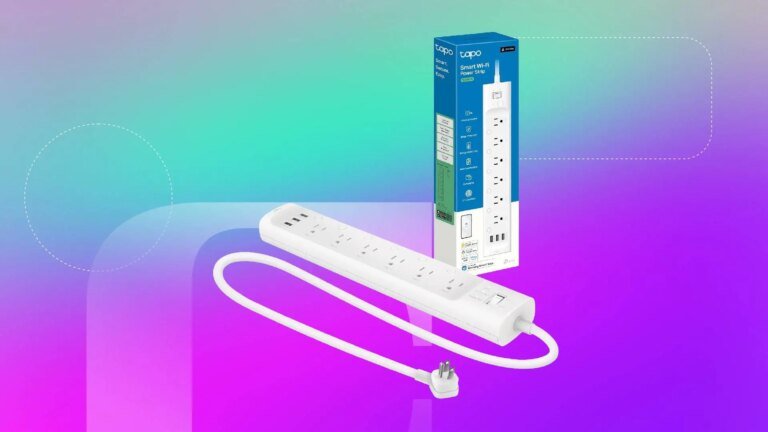
Make Your Home Smarter With 16% Off This Tapo Wi-Fi Power Strip
Save $8: Switching to a wise plug is much more inexpensive than upgrading to sensible…
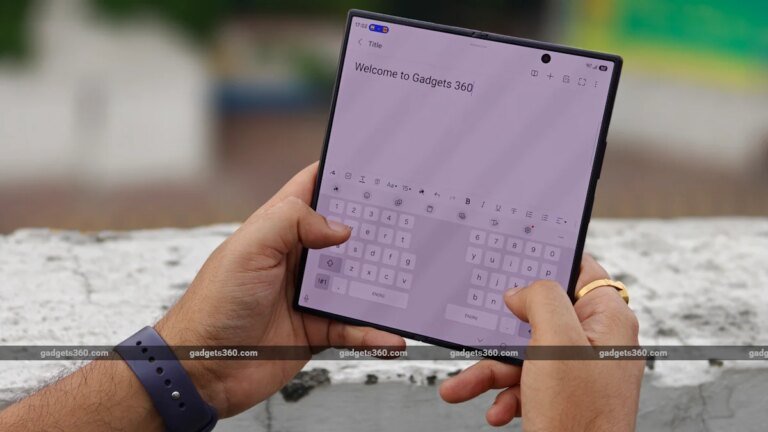
Samsung Galaxy Z Fold 8 Ultra Review: The Best Z Fold Yet
Samsung stunned us this 12 months with two new foldables. And truthfully, it is a…
6 Android telephones with microSD card slots you’ll be able to nonetheless purchase in 2026
Taylor Kerns / Android AuthorityThe smartphone trade is in spite of everything feeling the total…